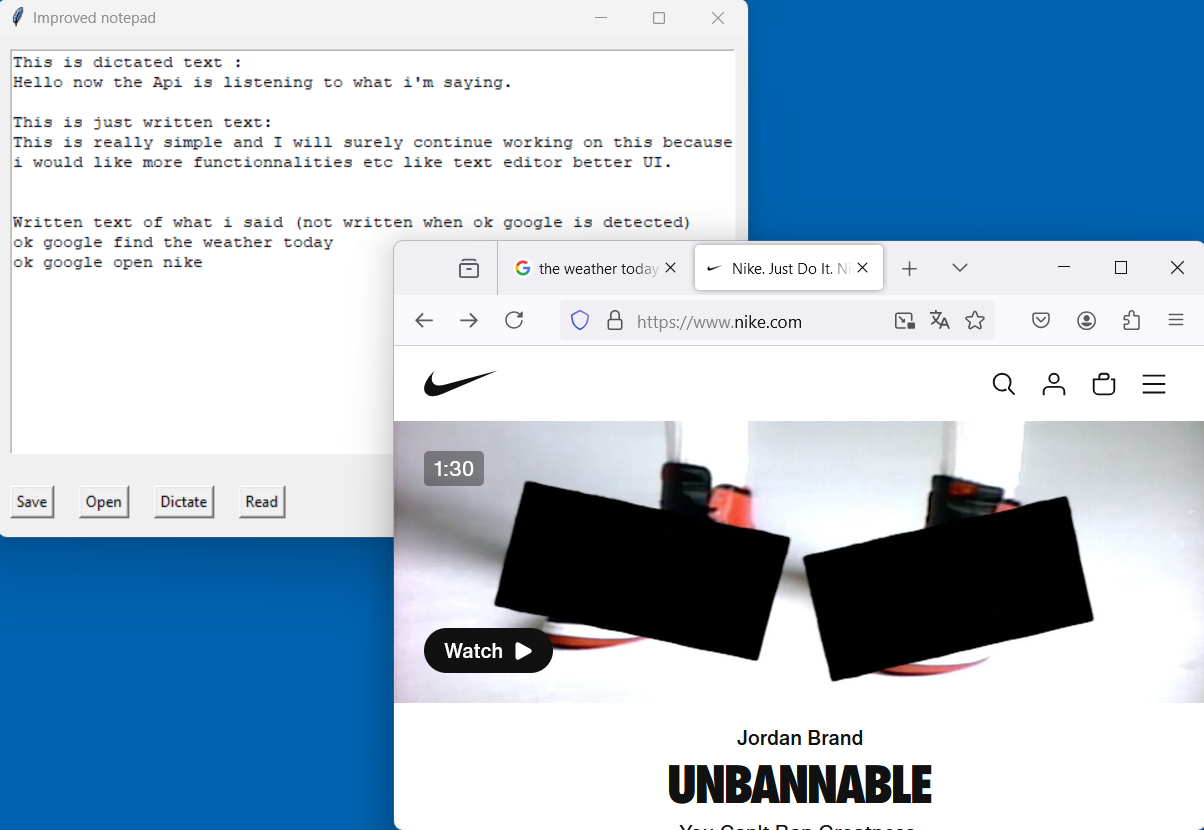
This project was something I worked on for my Computer Science class after we learned about APIs. We were given the freedom to choose a project, and I decided to create a tool that combines several interesting features like voice recognition, text-to-speech, and file management, all within a simple graphical interface. My goal was to practice using APIs and strengthen my Python skills by building something practical and interactive.
Here’s how the code works:
- Graphical User Interface (GUI):
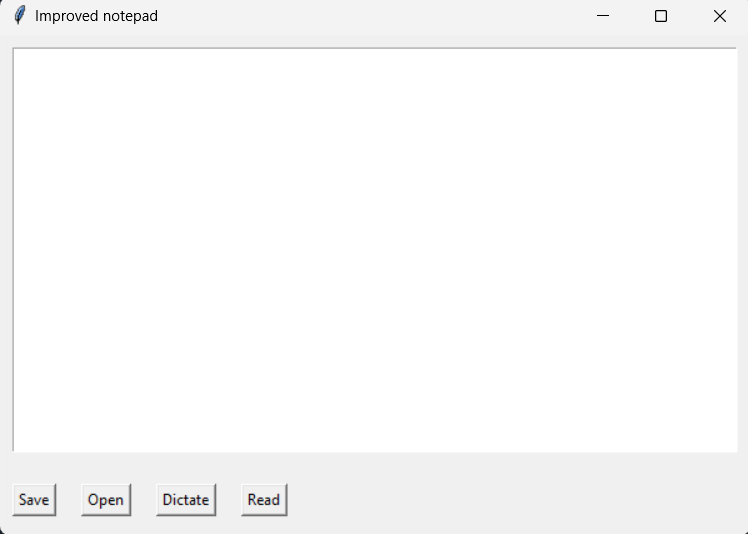
I used thetkinterlibrary to create a window where users can interact with the app. The window includes a text area where users can type or see text, and several buttons to perform actions like saving or opening files, dictating text, or having the text read aloud. - Voice Recognition:
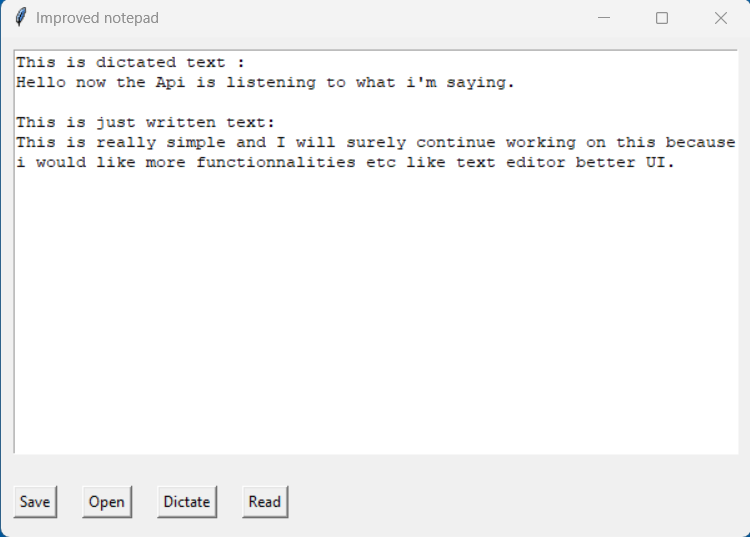
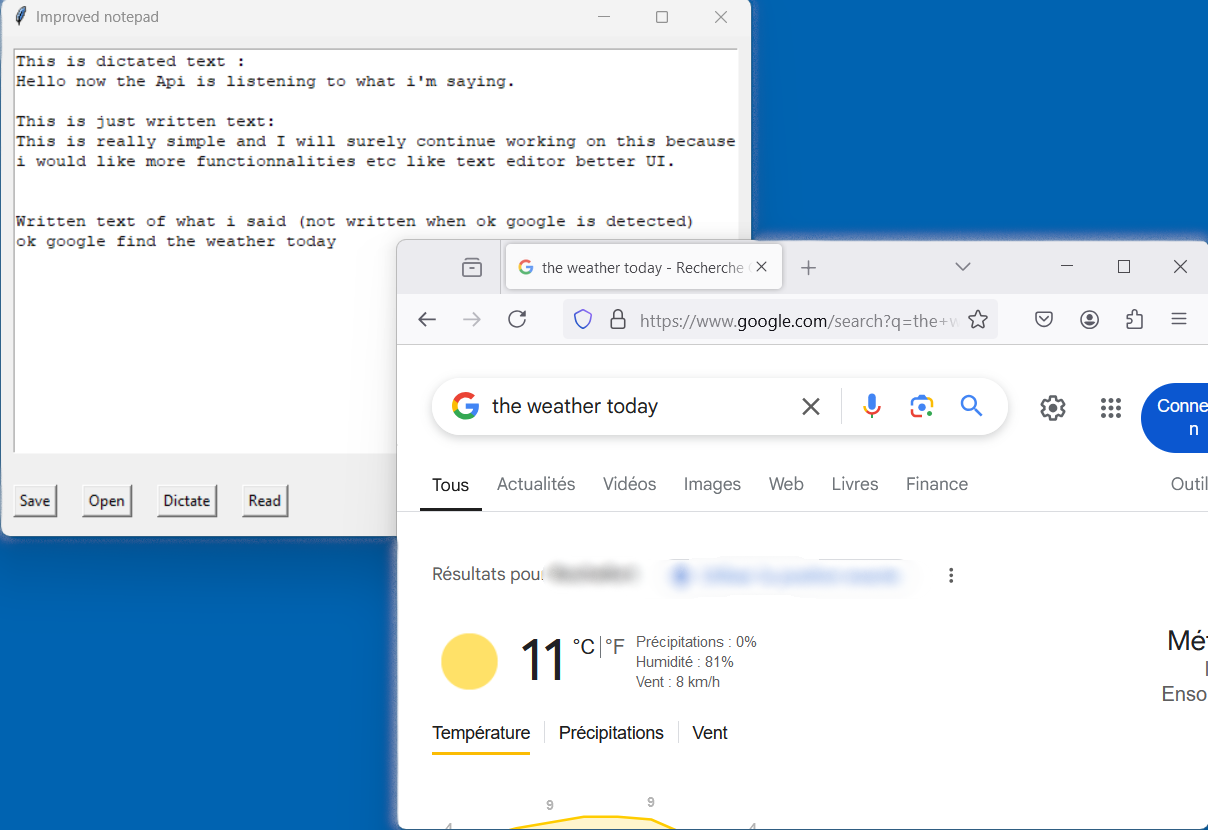
One of the main features of the app is the ability to convert speech into text. I used thespeech_recognitionlibrary to capture the user’s voice through a microphone. The program listens for speech and converts it into text, which is then inserted into the text area. If the program hears “Ok Google,” it recognizes this as a command to search the web or open websites. For example, if you say “Open Wikipedia,” it opens the Wikipedia website. - Text-to-Speech:
The app can also read the text aloud. I used thepyttsx3library to make this possible. When you click the “Read” button, the app reads all the text entered in the text area. This feature is helpful for people who may want to listen to the text instead of reading it. - File Handling:
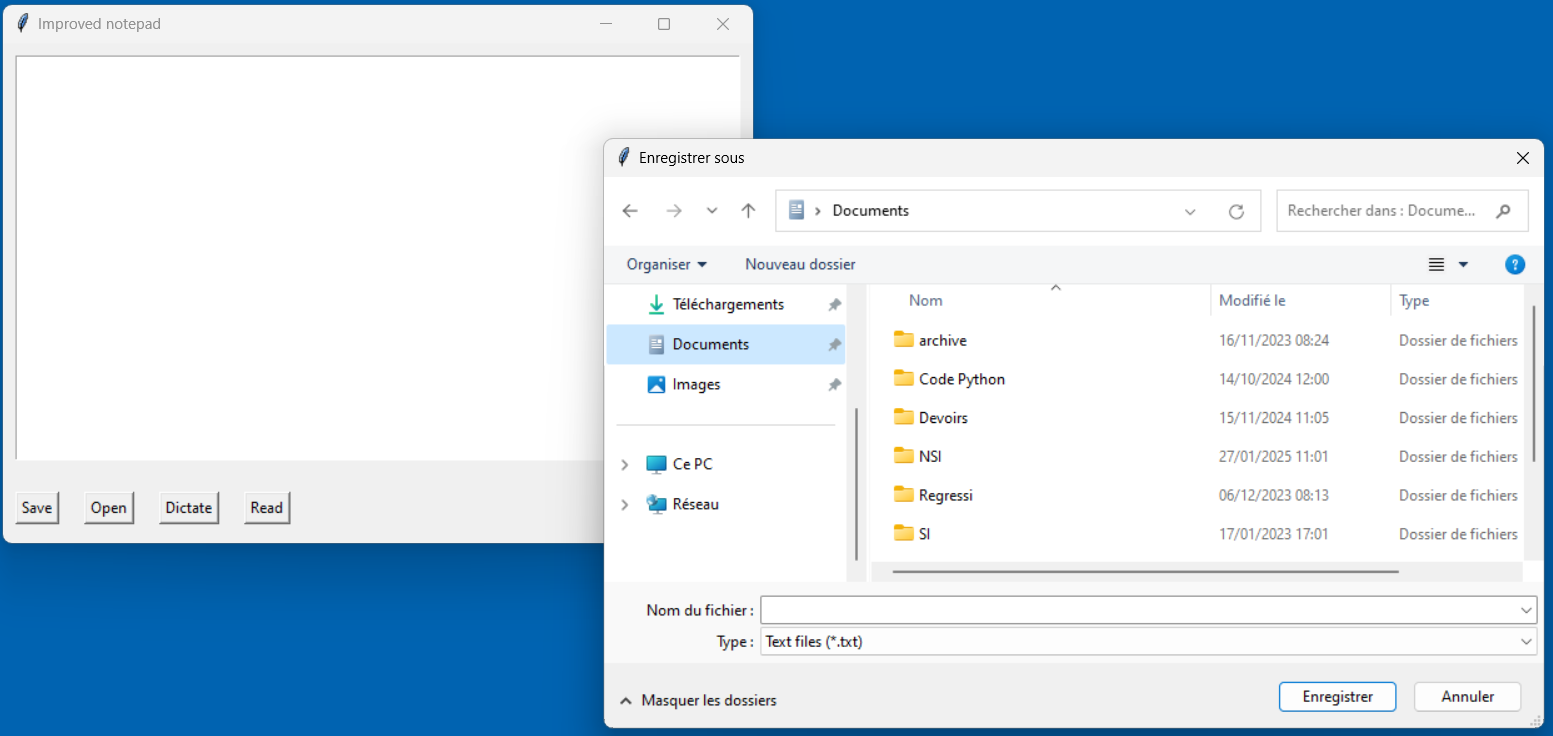
The app allows you to open and save text files. Using Tkinter’s file dialog, you can choose to save your work as a.txtfile or open an existing text file. This makes the app more functional, letting you store your notes or other text-based documents. - Buttons for Interaction:
I created four buttons that trigger the main actions of the app:- Save: Saves the current text to a file.
- Open: Opens an existing text file and displays its content in the text area.
- Dictate: Starts the voice recognition process, allowing the user to speak and have it converted into text or issue a command like opening a website.
- Read: Makes the app read the text aloud.
How it all comes together:
- The program runs in a window, and the user interacts with the interface by clicking buttons or speaking into the microphone.
- When you click on the “Dictate” button, the app listens for your voice. If it hears “Ok Google,” it waits for a command to open a website or search something online. If it doesn’t hear that, it just converts your speech into text and adds it to the text area.
- The “Read” button makes the app read back the text you’ve entered in the text area, using text-to-speech.
This project allowed me to experiment with different libraries and concepts, giving me a better understanding of how APIs work in practice. It was a great way to combine everything we learned in class and challenge myself to build something useful.
Here is the code available for everyone to try out. Just make sure all dependencies are installed which means you need :
- Tkinter
- PyAudio
- SpeechRecognition
- pyttsx3
- webbrowser
- time
- urllib
for python as modules. You can quickly install them via PIP :
 WaveRise Studios
Leave a comment