
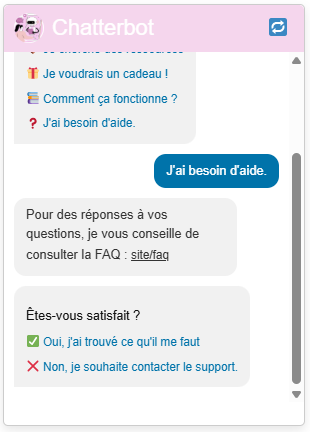
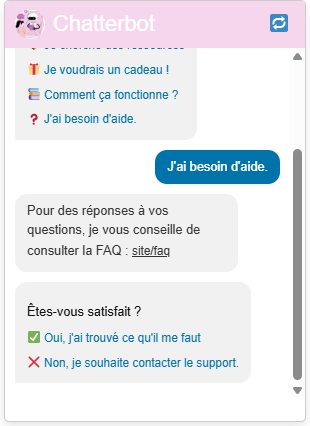
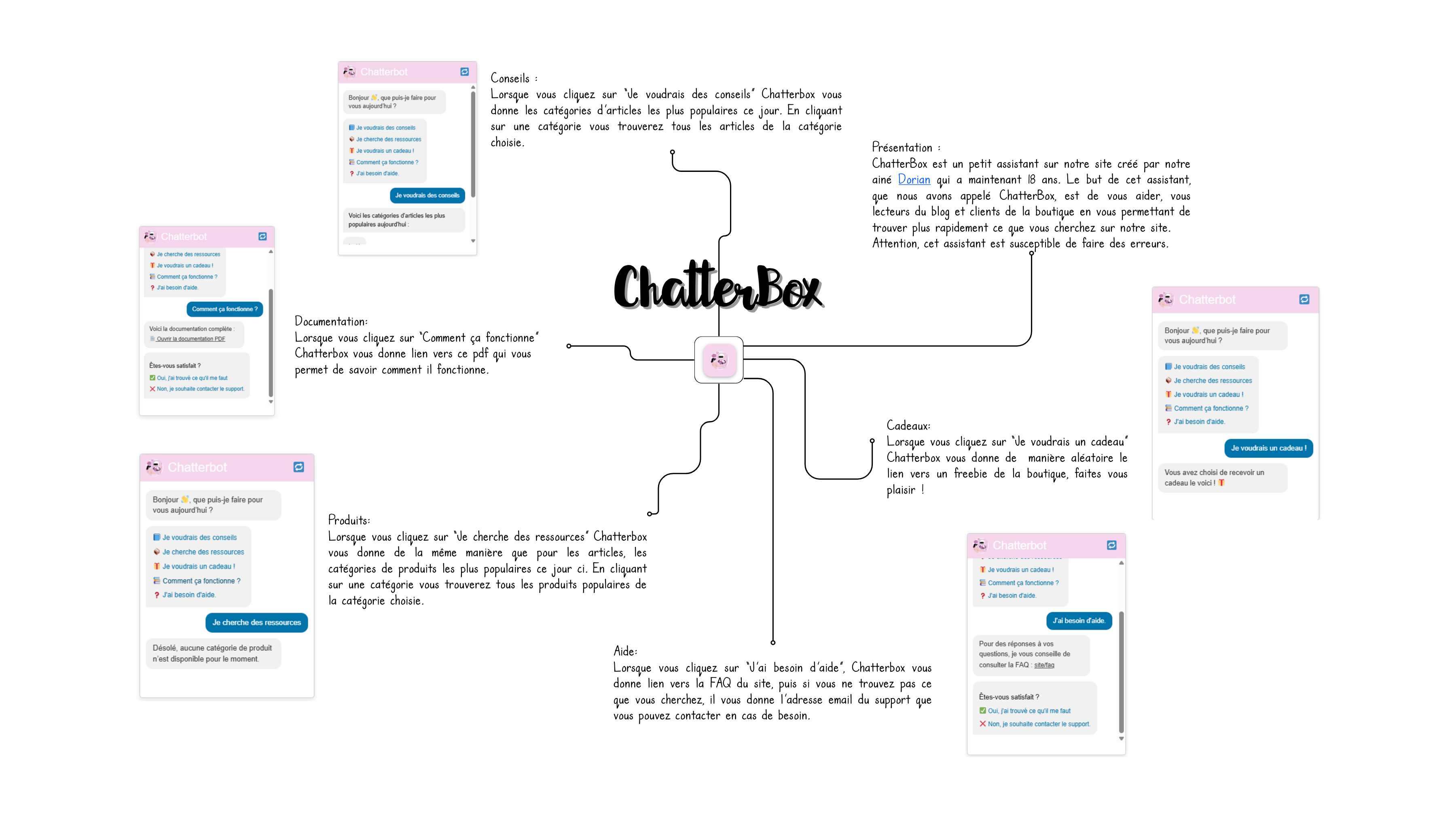
This project was something I worked on during my time at MrsRecht.com, where I spent a month exploring web development and plugin design for WordPress. After being given the opportunity to work independently on a useful feature for the website, I decided to create a plugin that would bring conversational AI to WordPress in a seamless, beginner-friendly way. I called it Chatbot Helper for WordPress, and the plugin is now publicly available on GitHub.
My main goal was to practice real-world development using APIs while learning how WordPress handles custom plugins. This project was a chance to bridge my coding experience with practical deployment.
What the Plugin Does
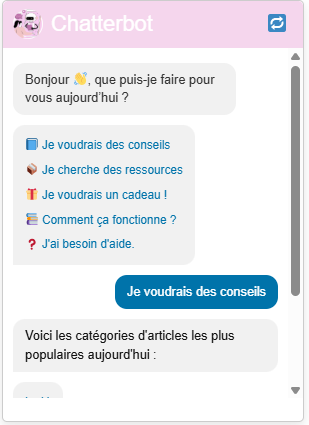
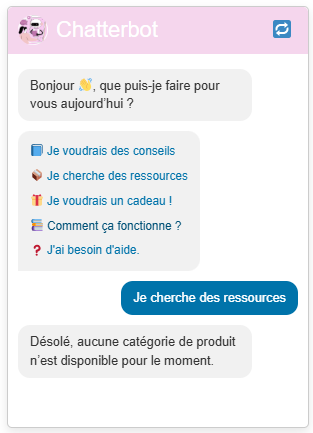
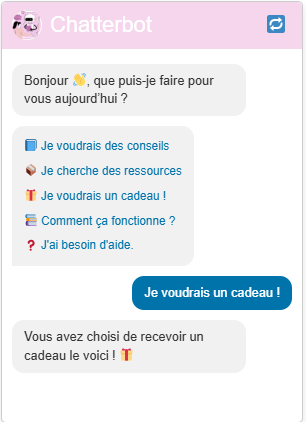
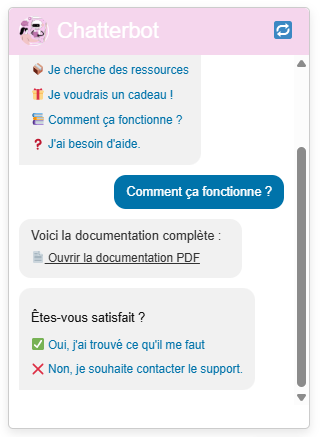
At its core, Chatbot Helper allows a WordPress site owner to embed an AI-powered chatbot that asks questions to users to direct them to what they are searching, directly into their website.
This plugin is ideal for blogs, portfolios, or business websites that want to offer an interactive assistant without needing complex setup or coding knowledge. The chatbot can give directions, explain content, or even serve as a smart contact point.
Learning the WordPress Plugin Structure
The first step was understanding how WordPress plugins are built. I learned how to create the main plugin file, define metadata for WordPress to recognize it, and register hooks and shortcodes. It was important to keep the plugin lightweight and modular so it would be easy to maintain and expand in the future.
I created a shortcode [chatbot_helper] that site admins can add to any post or page. When this shortcode is rendered, the chatbot interface appears. This makes integration simple for users who don’t have a technical background.
PHP + JavaScript Communication
To handle the interaction between the frontend chatbot interface and the backend processing, I used a combination of PHP (for WordPress logic and API requests) and JavaScript (for real-time UI updates and user input handling).
I also used AJAX to send the user’s input from the browser to the PHP backend , get the answer which is then displayed in the chat window.
Design and User Interface
For the chatbot interface, I kept it clean and minimal. It consists of:
- A button to send the message
- A conversation window that displays both user and Chatbot responses
Styling was done with simple CSS to ensure it matched any WordPress theme. I wanted it to be non-intrusive but still visible and user-friendly.
Challenges I Faced
- AJAX Integration in WordPress: Unlike standard web apps, WordPress has its own way of handling AJAX. I had to learn how to correctly enqueue scripts and use
admin-ajax.phpfor communication. - Debugging in Production: Since the plugin is intended to run on live WordPress sites, I had to make sure it handled errors gracefully—whether from the user, the API.
Final Thoughts
This project gave me a solid introduction to plugin development and real-world application of APIs in a web development environment. Working at MrsRecht.com gave me a platform to explore beyond tutorials and into practical, user-facing tools. It was a valuable learning experience that taught me how to think like a developer building for others—not just writing code that works, but designing tools that are stable, secure, and easy to use.
By combining my understanding of APIs, PHP, and WordPress architecture, I created something interactive and helpful for both developers and non-technical users. I’m excited to continue working on open-source projects like this in the future.
Click to show the code link
https://github.com/WaveriseStudios/ChatbotHelperForWordpress
 WaveRise Studios
Leave a comment